
Printer Maintenance
Printer Nozzle Checks: How to Read a Test Pattern
EasyPrinthead Team · November 20, 2026
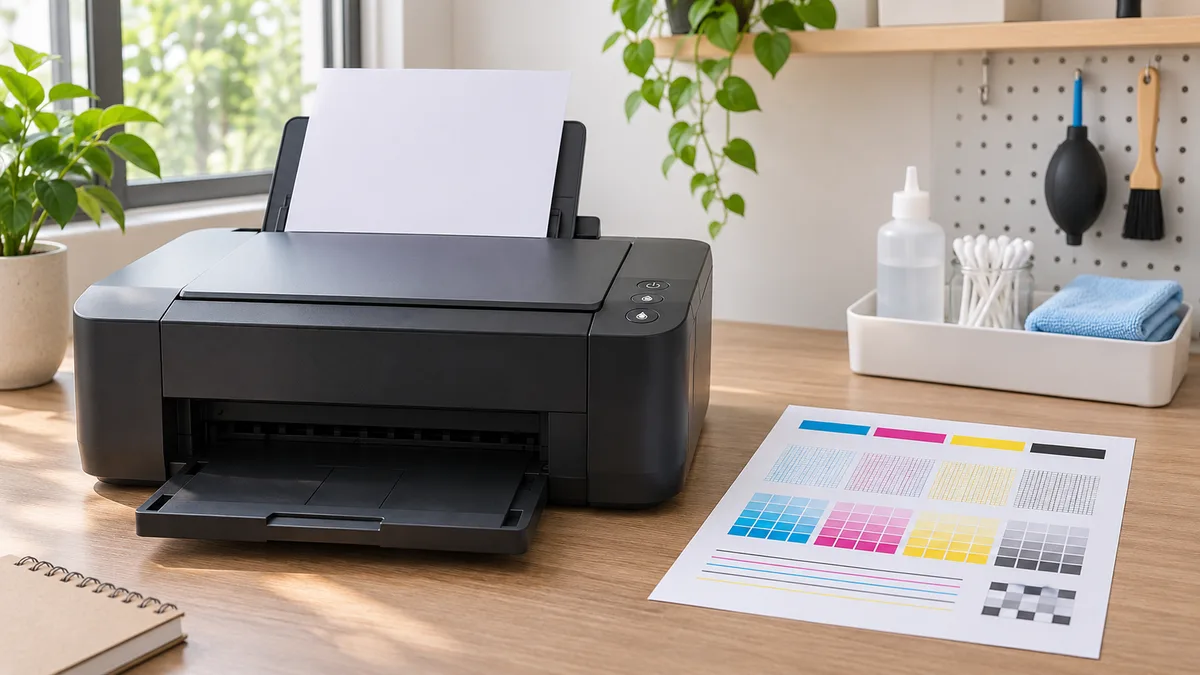
When an inkjet print has missing lines or uneven color, a nozzle check can help you decide what to investigate next. The printer prints a small test pattern so you can compare its lines or blocks with the example in the manual. It is a diagnostic step, not proof that a printhead needs replacing.
The exact menu, pattern and recommended maintenance sequence depend on the printer. Use the instructions for your model and pause if the machine displays an error. This guide explains the decisions to make before and after a test; it does not replace a service manual.
Start with the right manual
Find the printer's model label and open its current user guide. Identify how to start a nozzle check from the control panel or the computer utility. A menu shown for one Epson or Canon model may not be available on another. Follow the manual for the ink system, paper type and maintenance procedure installed in your machine.
Epson's nozzle-check instructions for one product describe loading plain paper, printing the pattern and comparing it for gaps. Treat the screen names and subsequent cleaning instructions on that page as model-specific examples.
Prepare before printing
Check the printer display for messages and resolve any error by following the manufacturer's guidance. Load the paper specified in the guide. Ensure the printer is connected to the correct computer if the check is launched from software. Keep hands clear of moving parts and do not disconnect power during a maintenance operation.
Check ink levels and supply status through the printer's own display or software. A low-ink or supply warning can affect what steps are available. Do not assume the ink system is healthy simply because a cartridge looks full from the outside. If the machine has been moved or stored, consult its manual for any additional preparation before use.
Print and inspect the pattern
Run the nozzle check once as directed. Set the page on a flat surface under good light. Look for missing segments, faded areas or uneven blocks, using the example for your exact printer as the reference. Some patterns contain several color sections; a defect may affect only one part rather than the whole page.
Keep the first sheet and label it with the date. A photograph can help you compare later tests, but use the physical sheet when possible because lighting and a phone camera can alter colors. Avoid judging the result only from a photo of a normal document: paper, settings and the document itself can influence how that print looks.
Choose the next step from the manual
If the pattern matches the good example, the manufacturer may advise that cleaning is unnecessary. Investigate the paper, print settings or source file according to the printer guide instead. If the pattern has gaps, follow the manual's recommended cleaning sequence for that model.
Cleaning uses ink and different machines have different limits and options. Do not run repeated or intensive cycles just because the result is disappointing. Some Epson models distinguish ordinary cleaning from a more intensive process; the model's own instructions specify when each is appropriate. Stop and contact support when the manual directs you to do so.
Compare a second test carefully
After any manufacturer-directed maintenance, print another check only when the instructions say to do so. Compare it with the first sheet under the same lighting. Has the missing section returned, changed or remained the same? A written note of the dates, messages and actions is useful if you need technical support.
Avoid opening the printhead assembly, touching electrical contacts or using an unapproved liquid. Those actions can damage components or create other faults. A persistent defect can have several causes, including ink delivery and printer settings, so a single imperfect test does not identify a replacement part by itself.
Before ordering a replacement
Confirm the exact printer model and the part number in the manufacturer's documentation. Check that the part is intended for that specific machine and that the printer's design permits the proposed replacement. Some printheads require professional service. If the model or diagnosis is uncertain, ask the manufacturer or a qualified technician before purchasing.
A nozzle check is most useful as a record in a careful troubleshooting sequence: prepare the printer, compare its test with the official example, follow model-specific instructions and document the result. That approach helps you avoid unnecessary cleaning or ordering a part before you know what the machine actually needs.